
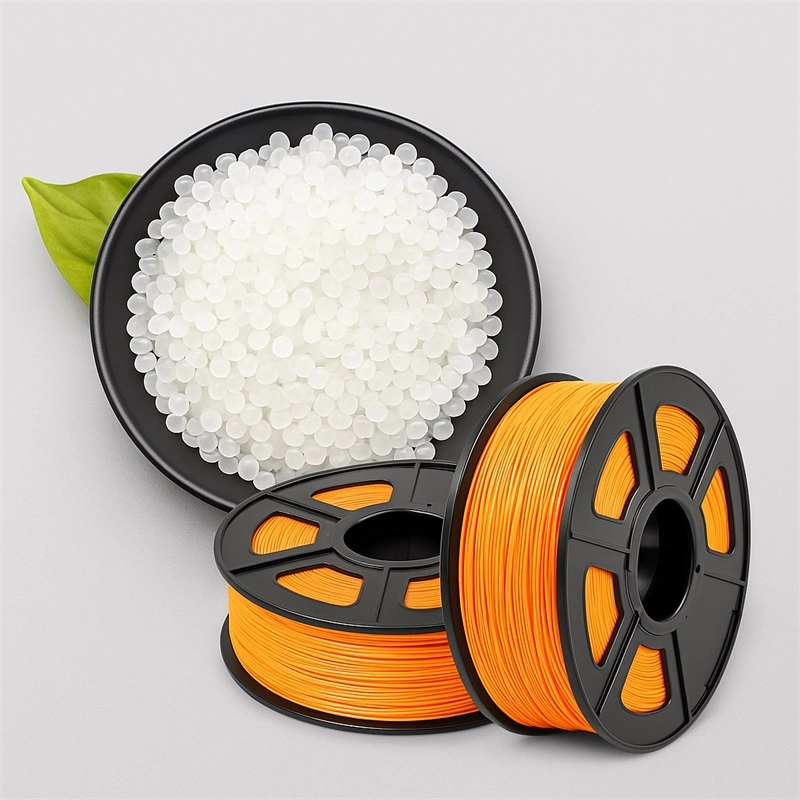
PLA resin has become one of the most popular materials for 3D printing due to its biodegradability, ease of use, and low environmental impact. However, even experienced 3D printing enthusiasts can encounter issues when working with PLA resin for 3D printing filament. Small mistakes during storage, preparation, or printing can lead to defects such as warping, poor layer adhesion, or surface imperfections. Understanding these pitfalls and learning best practices is essential for achieving consistent, high-quality prints.
Jiangyin FILM-MAKER Plastic Co., Ltd., a high-tech enterprise established in 2014, is a leading manufacturer of PLA and PETG resins. With multiple patents and global certifications, including ISO 9001, FDA, REACH, and RoHS, FILM-MAKER supplies bio-based PLA resin to over 50 countries. Drawing on our expertise, we provide insights into the most common mistakes and how to avoid them.
Mistake 1: Improper Storage of PLA Resin
One of the most overlooked issues in 3D printing is the storage of PLA resin. PLA is a biodegradable thermoplastic, sensitive to moisture and heat. If exposed to high humidity, PLA filaments absorb water, which can cause:
-
Bubbling or hissing during extrusion
-
Poor layer adhesion and surface finish
-
Brittle prints or uneven extrusion
Expert Tip: Store PLA resin in airtight containers with desiccant packets. Avoid prolonged exposure to direct sunlight and temperatures above 30°C. FILM-MAKER’s SPL701 PLA resin is designed for stability, but proper storage extends filament life and ensures print quality.
Mistake 2: Using the Wrong Nozzle Temperature
PLA resin for 3D printing filament generally requires a lower printing temperature compared to ABS or PETG. Many users assume a higher temperature will improve flow, but excessive heat can cause:
-
Stringing between printed sections
-
Blobbing or oozing during movement
-
Degradation of filament, leading to weak prints
Expert Tip: Maintain nozzle temperatures between 190°C and 220°C, adjusting according to filament diameter and printer type. FILM-MAKER’s PLA filament is engineered for consistent melting within this range, providing smooth extrusion without degradation.
Mistake 3: Ignoring Bed Adhesion Techniques
Even with the perfect PLA filament, prints can fail if bed adhesion is insufficient. Common problems include warped corners, lifting, or complete detachment from the build plate. This is particularly prevalent in large or thin parts.
Expert Tip: Ensure the print bed is level and clean. Use a heated bed at 50–60°C or apply adhesion aids like glue stick, painter’s tape, or specialized printing surfaces. FILM-MAKER PLA resins adhere well to standard build plates, but preparation is still critical for large-format or intricate prints.
Mistake 4: Overlooking Cooling Requirements
Cooling plays a significant role in layer bonding and surface finish. PLA resin cools quickly, and improper cooling can lead to:
-
Deformed overhangs
-
Poor bridging performance
-
Uneven surface textures
Expert Tip: Enable part cooling fans, particularly for overhangs and small details. Adjust fan speed to balance adhesion and cooling rate. SPL701 PLA from FILM-MAKER offers excellent thermal stability, allowing efficient heat management during printing.
Mistake 5: Neglecting Filament Diameter and Quality
Variations in filament diameter or impurities in the resin can affect extrusion consistency, resulting in:
-
Inconsistent layer thickness
-
Surface roughness or gaps
-
Jamming or clogs in the nozzle
Expert Tip: Use high-quality PLA resin for 3D printing filament with precise diameter control (±0.02 mm tolerance). FILM-MAKER’s SPL701 PLA is carefully extruded for uniform diameter and minimal impurities, reducing print defects and downtime.
Mistake 6: Ignoring Environmental Conditions
Ambient conditions, including humidity, airflow, and temperature fluctuations, impact PLA printing. Common consequences include:
-
Warping due to uneven cooling
-
Layer misalignment from drafts
-
Moisture-induced bubbling or filament brittleness
Expert Tip: Print in a controlled environment with stable temperature and minimal drafts. If humidity is high, store filament in a dry box during printing. FILM-MAKER PLA resin maintains performance under standard environmental conditions but benefits from proper humidity management.
Advanced Recommendations from FILM-MAKER Experts
-
Layer Height Optimization: Adjust layer height according to nozzle size; thinner layers improve detail but increase print time.
-
Retraction Settings: Fine-tune retraction distance and speed to reduce stringing, especially for complex geometries.
-
Print Speed Management: Maintain moderate speeds; PLA can over-extrude or under-extrude at extreme velocities.
-
Regular Maintenance: Clean nozzles and check extrusion paths to prevent buildup of degraded PLA, which can compromise print quality.
-
Experimentation and Calibration: Each printer behaves differently. Test small calibration prints to optimize settings for your specific printer and filament batch.
By implementing these expert recommendations, users can minimize print failures, improve surface quality, and fully leverage the material properties of PLA resin for 3D printing filament.
Sustainable Advantage of PLA Resin
PLA is a bio-based, biodegradable thermoplastic derived from renewable plant resources such as corn. FILM-MAKER’s SPL701 PLA resin provides:
-
High transparency and excellent rigidity for durable prints
-
Easy processability suitable for 3D printing, injection molding, and thermoforming
-
Low carbon footprint, making it an environmentally friendly alternative to petroleum-based plastics
This combination of performance and sustainability positions PLA resin as a top choice for hobbyists, industrial applications, and environmentally conscious 3D printing enthusiasts.
Conclusion
While PLA resin is generally easy to work with, common mistakes in storage, temperature management, bed adhesion, cooling, and filament quality can compromise print results. FILM-MAKER’s SPL701 PLA resin for 3D printing filament, combined with expert best practices, ensures high-quality, reliable prints across a wide range of applications—from 3D printing prototypes and toys to industrial components.
Understanding and avoiding these pitfalls is essential for anyone seeking consistent, professional-grade results while leveraging the environmental benefits of PLA. By following these guidelines, 3D printing enthusiasts and manufacturers alike can maximize performance, reduce waste, and maintain the full advantages of PLA technology.
www.resin-maker.com
Jiangyin Film-maker Plastic Co.,Ltd
About Author

You may also like
-
Can SMC Be Used Outdoors? A Practical Guide for Outdoor Applications
-
How PLA Resin Extrusion Grade Improves 3D Printing Filament Quality
-
China Eco Friendly Paper Gift Bags Suppliers 2026 Guide
-
How to Improve Pigment Dispersion in UV Inks: A Resin Selection Guide
-
GRS Certified PCR Resins for FMCG Packaging in 2026